Insight ITS · AutoCAD plugin beta
PrismCAD beta is free.
You get a license after you accept the agreement. PrismCAD may upload the local agent diagnostic log once per day when it changes, so Insight ITS can improve routing. Drawings stay on your PC.
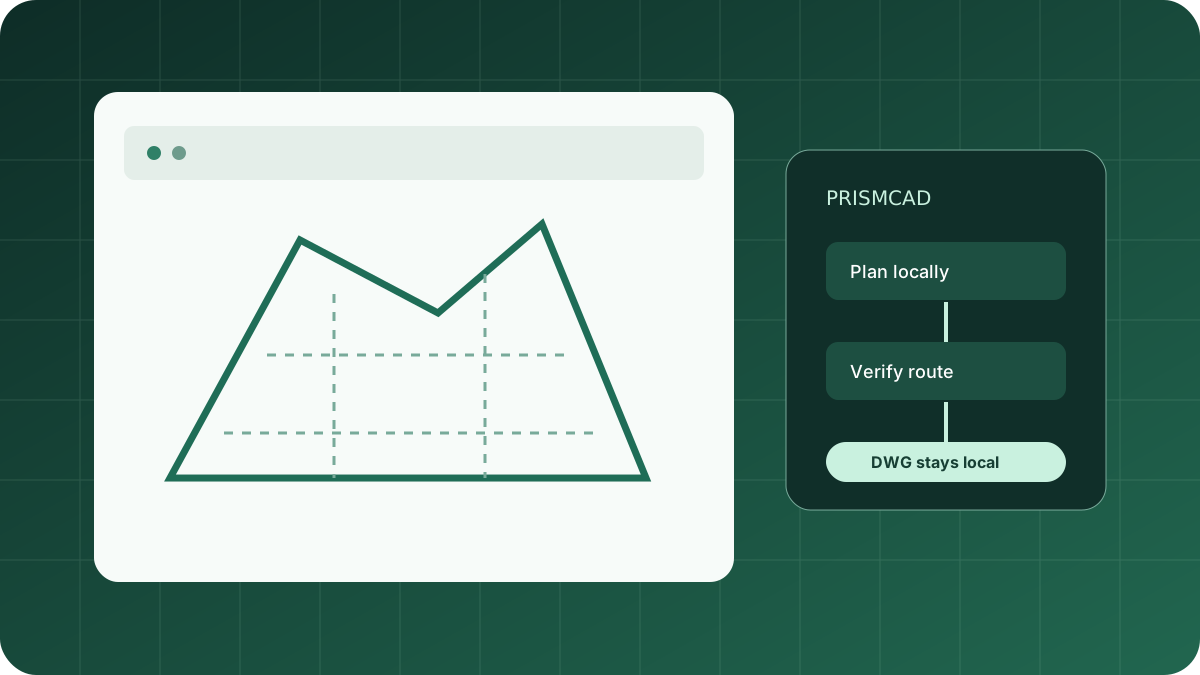
Start in four steps
From install to licensed health check
- Install PrismCAD for AutoCAD 2025 or 2026.
- Accept this agreement and copy the license key.
- In AutoCAD run PRISMCADLICENSE, paste the key, and confirm the log-upload checkbox.
- Run PRISMCADHEALTH. It should print
license: Licensed.
Agreement · prismcad-beta-telemetry-1
Free beta and diagnostic-log consent
PrismCAD beta is licensed at no charge by Insight ITS. In return, you agree that the PrismCAD plugin may send Insight ITS the PrismCAD agent diagnostic log from this computer (%LOCALAPPDATA%\PrismCAD\logs\prismcad-agent.jsonl) over HTTPS, at most once per day, and only when that file’s content has changed since the last successful upload.
The log contains planner and plugin trace events, including prompts, operation names, entity handles, and routing nodes. It does not include your DWG file. Insight ITS uses the log to improve PrismCAD. You can stop uploads by stopping use of the beta; the plugin will not run without a valid license.
Support: insightits.info@gmail.com.