This is
- Style mining from your uploaded source
- A new book on a topic you choose
- Draft generation you must review and edit
- Optional public library sharing
Writer ghost · research preview
Turn a source book or long text into a reusable writer ghost — not a chat knowledge base. Then generate a new manuscript on your chosen topic in the author's lexical style, review it, and optionally share it in the public library.
Research preview — email only for your first free book. Security keyword optional for unlimited access.
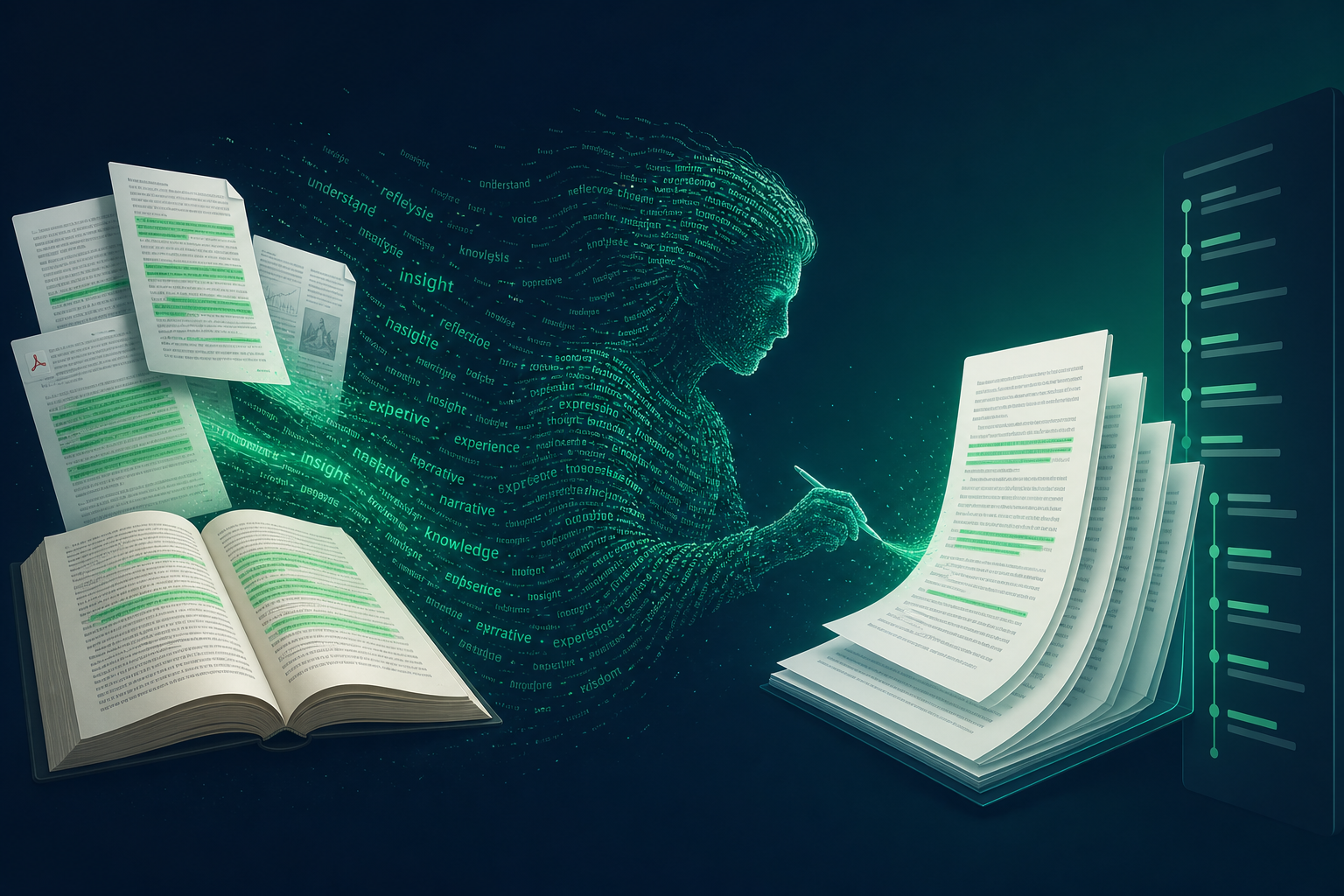
Many users confuse this with a RAG chatbot or plagiarism tool. Here is the distinction.
Five clear steps from upload to publish. The workspace guides you through each one after you sign in.
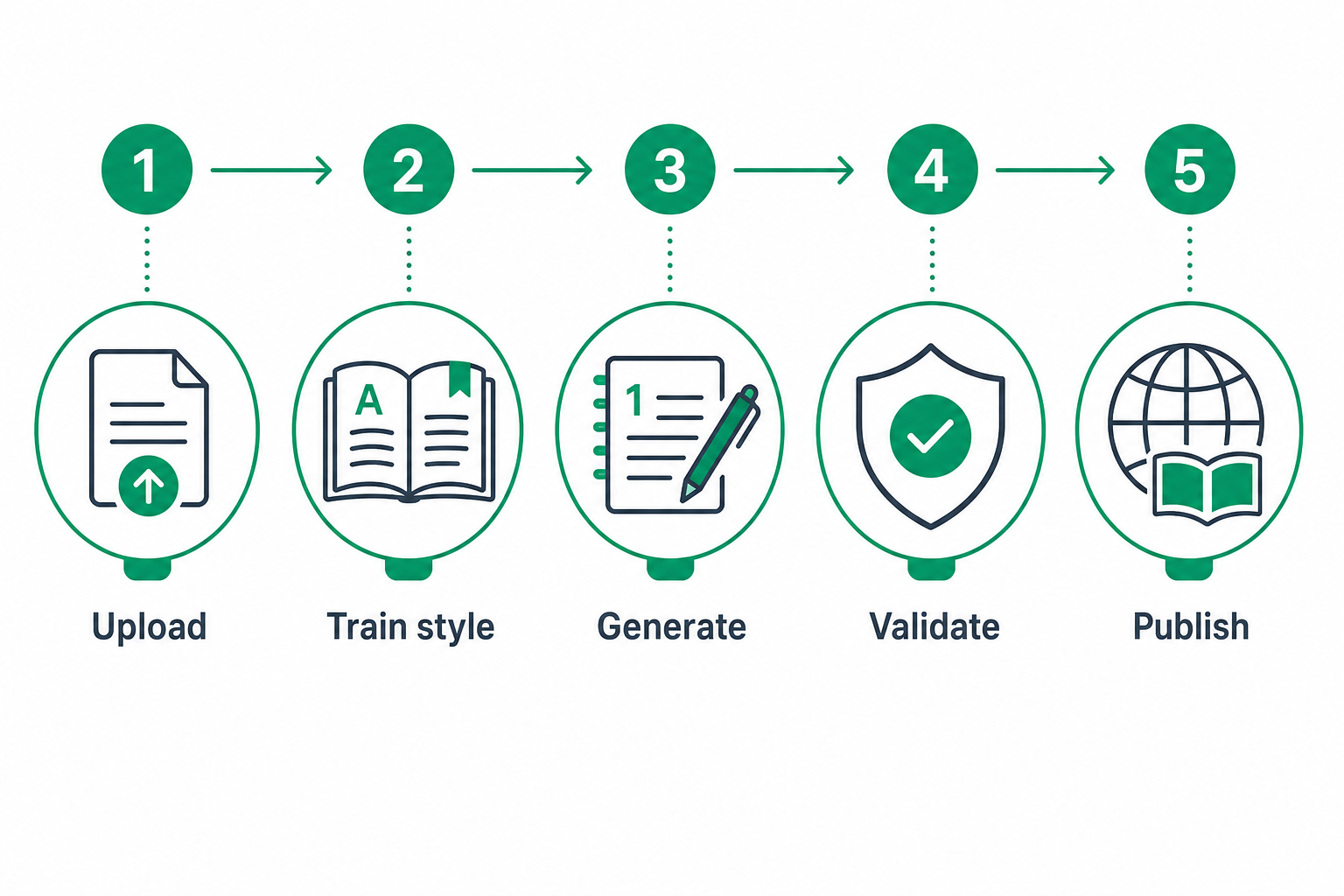
Paste text or upload a .txt or .pdf. We count words and enforce the 50% minimum output size.
We learn writing patterns from your source and build a reusable style profile for new manuscripts.
Set title, topic, and target pages. An async pipeline plans chapters and composes a full draft manuscript.
Automated checks for verbatim copy, ghost-style match, and hallucination risk before you publish.
Revise the markdown draft, choose public or private, then publish to your library when validation passes.
Proprietary retrieval technology
AI Library runs on PrismResonance — a memory-retrieval library designed and built entirely in-house at Insight IT Solutions. No third-party RAG framework. No vendor lock-in. We own the full stack.
Each wave is a knowledge-graph community. Constructive interference with the chapter query = high relevance. Destructive interference = filtered out by the coherence shield.
Beyond the free-tier writer ghost — controls for quality, genre, and voice fidelity at scale.
A 0–100% slider controls how strictly the author's voice is enforced. Low intensity gives the AI creative freedom; high intensity locks to the source cadence and vocabulary.
Auto-detected from your domain prompt or manually selected: Business, Memoir, Fiction, Technical, Science, Self-Help. Each preset tunes prompts, temperature, and structural expectations.
Chapters that fall below the word-count target are automatically retried once with an extended token budget — no manual intervention needed.
Entity extraction → Louvain community detection → PrismResonance wave retrieval. The knowledge graph ensures every chapter is grounded in real concepts from the source, not hallucinated filler.
Automated quality checks on every manuscript: copy ratio, verbatim run detection, ghost lexicon match, cadence match, novel content ratio, and optional Gemini hallucination review.
Every generation is logged with job ID, pipeline stage timings, validation scores, and entitlement events — ready for enterprise compliance review.
Generated from The Little Prince by Antoine de Saint-Exupéry (17,977 words). The AI Library extracted the author's voice and wrote a new manuscript in the same style.
When I was six years old, I saw a magnificent picture in a book. It was about the primeval forest. The book was called "True Stories from Nature." It showed a boa constrictor swallowing a wild beast. The book said that boa constrictors swallow their prey whole. They do not chew it. After that, they are unable to move. They sleep for six months to digest.
I showed my masterpiece to the grown-ups. I asked if my drawing frightened them. They answered, "Why should anyone be frightened by a hat?" My drawing was not a hat. It was a boa constrictor digesting an elephant. Grown-ups never understand anything by themselves. It is tiresome for children to be always explaining things.
So I chose another profession. I learned to fly airplanes. In the course of my life I met many people who seemed clear-sighted — but they always said "That is a hat." They would say, "You should talk about bridges and golf." So I kept to myself. I talked to no one about my true interests. This was until six years ago, when my plane had a breakdown in the Sahara Desert, a thousand miles from any inhabited land…
— Excerpt from the AI-generated manuscript. The full 6,911-word manuscript is available in the public library below.
Books shared by the community — read without signing in. Search, sort, or export; click Read to open the full manuscript.
Loading public library…
Quick answers so you know what to expect before entering the workspace.
A shared workspace access keyword (provided by your administrator) plus your email. The keyword tracks entitlements — one free book per email — and unlocks payments.
AI Library is designed for substantial re-authoring in the source voice, not short summaries. The UI blocks targets below half the source word count.
Only if you have the legal right. You must accept a rights attestation before generation. We log acceptance for audit purposes.
A background pipeline runs (typically a few minutes). Stay on the page — progress updates automatically, then the editor opens with your draft.
Enter the workspace with your security keyword and email. Your first book is free.
Start now
Need help? Email info@insightits.com
Restricted access
Email is required for your first free book. Security keyword is optional — leave it blank for free unlock. Only use a keyword if your admin gave you one.
Workspace
Paste or upload the writing whose style you want the ghost to learn.
Word count: — · Minimum target: — words (50% of source)
What should the generated manuscript be about?
50 pages (~13,750 words)
Required before generation. You remain responsible for the final text.
Queued…
No books yet. Use Create book to generate your first manuscript.
Books shared publicly by other workspace users — search and read from the archive.
Loading public library…